Help Center · AI search and SEO
Branded Reports
0:31 · captions are built into the video · narrated by Hannah
Branded Reports
Send rank grid and SEO reports as PDFs with your own logo, colors and company name.
Pick a Report (0:05)
- Open SEO & Listings → Branded Reports.
- Choose Local Rank Grid or Monthly SEO report.
Preview or Download (0:15)
- Pick which scan to report on, then Preview it or Download PDF.
Email It (0:21)
- Type an address under Email this report to and press Email This Report. Send it to a customer, a partner or yourself.
No Platform Name (0:26)
- Reports carry only your branding. The small "Powered by Service Biz Pro" line is off unless you switch it on.
Related
More Tutorials
Ask Claude, your AI assistantUsing AI
0:45
Filing job photosUsing AI
0:44
AI search and rankingsAI search and SEO
0:56
Estimates and follow-upsGetting started
0:46
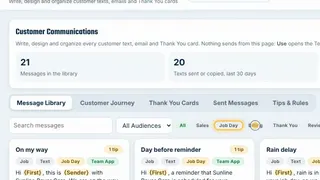
Message LibraryUsing AI
0:43
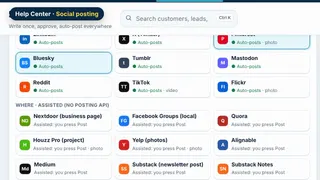
Social postingUsing AI
0:38
The crew appGetting started
0:40
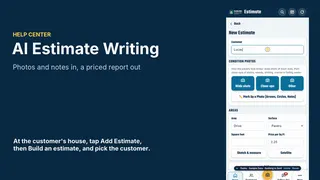
AI estimate writingUsing AI
0:54
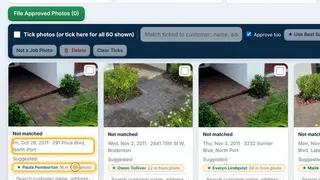
From shoebox to sale-readyGetting organized
1:45
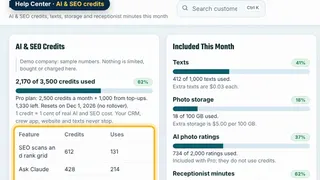
AI & SEO credits and usageAccount and billing
0:49
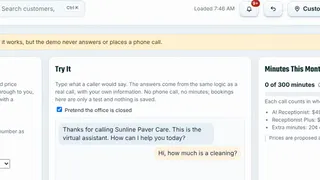
The AI receptionistSales and customers
0:41
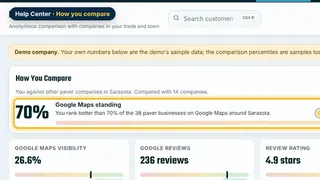
How you compareAI search and SEO
0:45
Smart alertsSales and customers
0:30
SEO TodayAI search and SEO
0:43