Help Center · Sales and customers
Smart Alerts
0:30 · captions are built into the video · narrated by Hannah
Smart Alerts
Smart Alerts finds the money already sitting in your customer list.
Repeat Visits Due (0:06)
- Open Sales → Smart Alerts.
- Repeat visits due lists every customer who's due or overdue for service, with the city and how many days.
Unpaid Invoices and Neighbors (0:14)
- Unpaid invoices shows finished jobs that haven't been paid, with the amount and days unpaid.
- Past customers next door shows past customers who live close to an upcoming job, so you can offer a visit while you're there.
Send the Messages (0:21)
- Review Messages opens Follow-Ups with a suggested message for each person. Nothing is sent until you check it and press send.
Related
More Tutorials
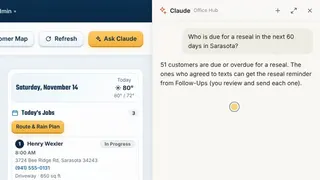
Ask Claude, your AI assistantUsing AI
0:45
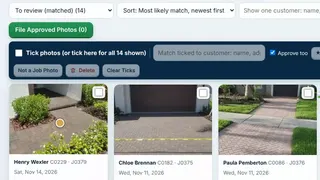
Filing job photosUsing AI
0:44
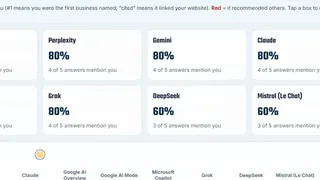
AI search and rankingsAI search and SEO
0:56
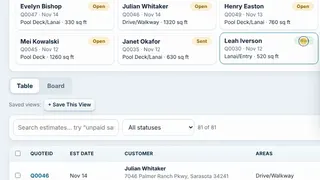
Estimates and follow-upsGetting started
0:46
Message LibraryUsing AI
0:43
Social postingUsing AI
0:38
The crew appGetting started
0:40
AI estimate writingUsing AI
0:54
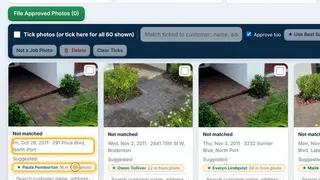
From shoebox to sale-readyGetting organized
1:45
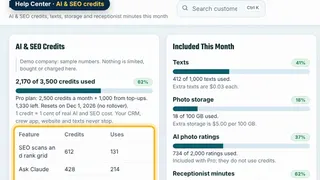
AI & SEO credits and usageAccount and billing
0:49
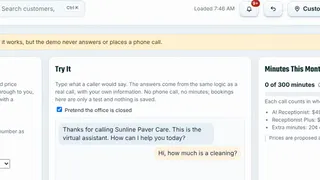
The AI receptionistSales and customers
0:41
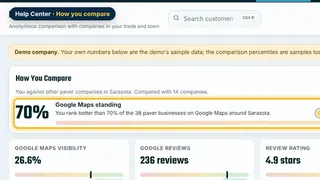
How you compareAI search and SEO
0:45
Branded reportsAI search and SEO
0:31
SEO TodayAI search and SEO
0:43