Help Center · AI search and SEO
How You Compare
0:45 · captions are built into the video · narrated by Hannah
How You Compare
See how your business stacks up against others in your trade and town.
Your Standing (0:05)
- Open SEO & Listings → How You Compare.
- The top card shows your Google Maps standing, for example "You rank better than 70% of the 38 paver businesses on Google Maps around Sarasota."
Each Measure (0:18)
- Cards for Google Maps visibility, Google reviews, review rating, repeat customers, time to answer a new lead and average job value.
- Each shows your number, a bar with where you sit in the range, and a tag: Top 25%, Upper half and so on. (0:29)
Private by Design (0:36)
- Only anonymous totals are compared. No company ever sees another company's name, customers or numbers, and nothing is shown for a group of fewer than 5 companies.
- Your numbers come from your own records: rank grid scans, reviews, jobs and leads.
Related
More Tutorials
Ask Claude, your AI assistantUsing AI
0:45
Filing job photosUsing AI
0:44
AI search and rankingsAI search and SEO
0:56
Estimates and follow-upsGetting started
0:46
Message LibraryUsing AI
0:43

Social postingUsing AI
0:38

The crew appGetting started
0:40
AI estimate writingUsing AI
0:54
From shoebox to sale-readyGetting organized
1:45
AI & SEO credits and usageAccount and billing
0:49
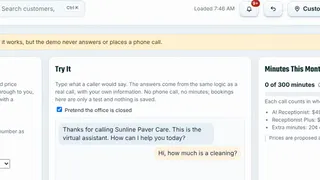
The AI receptionistSales and customers
0:41
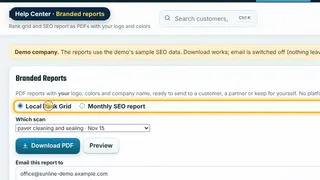
Branded reportsAI search and SEO
0:31
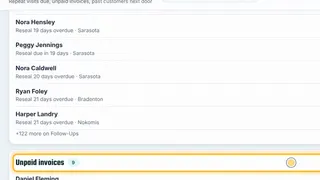
Smart alertsSales and customers
0:30
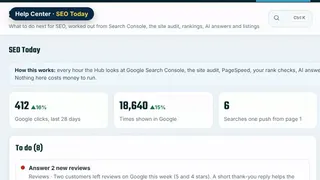
SEO TodayAI search and SEO
0:43